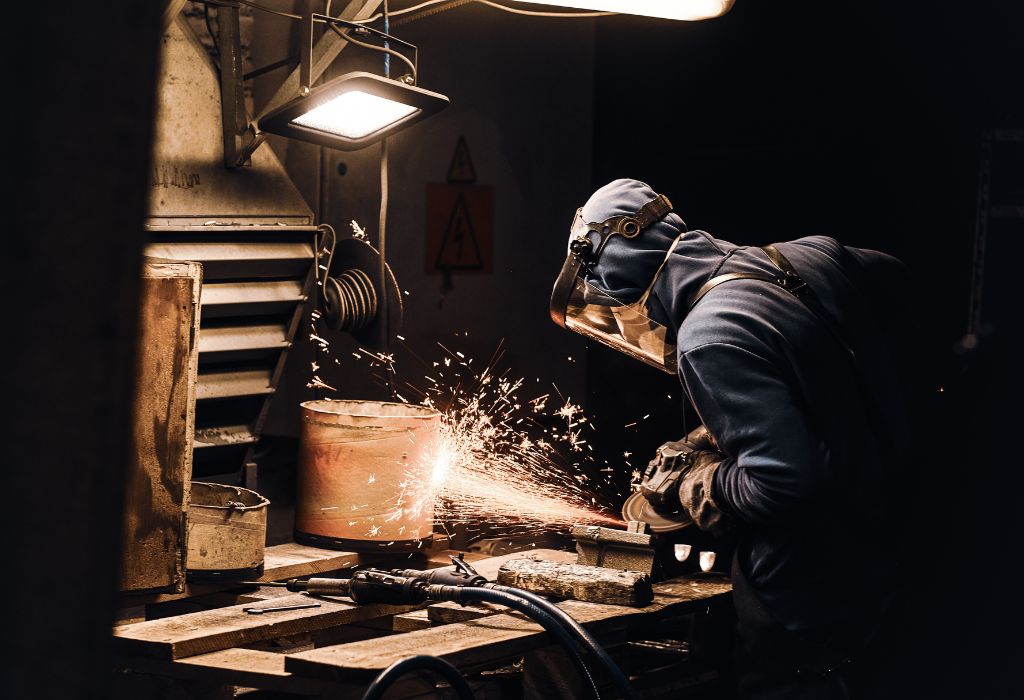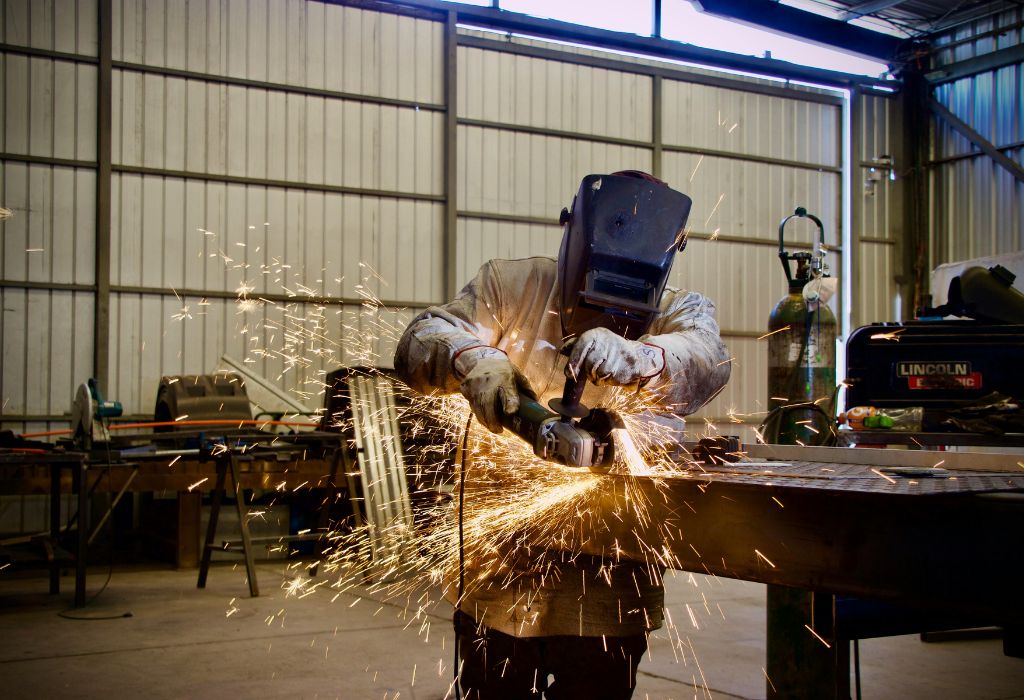
In a busy fabrication shop, sparks fly and noise fills the air. A welder finishes a bead, lifts the torch, and immediately needs to grind the joint smooth before moving to the next pass. Removing the helmet to start grinding wastes time, interrupts focus, and can expose the face to flying debris. This is where grind mode on a welding helmet becomes essential.
Grind mode allows welders to switch from welding to grinding without removing their helmet. With one quick adjustment, the lens lightens, visibility increases, and protection remains intact. The result is a smoother workflow and safer working conditions.
According to safety surveys, over 70 percent of grinding-related eye injuries happen when workers remove or misuse protective gear. Helmets with grind mode eliminate that risk by combining both functions in one piece of equipment. They keep the welder protected while saving minutes on every project.
This guide explains what grind mode on a welding helmet is, how it works, and why it’s a critical feature for modern welders. You’ll also learn when to use it, which helmets include it, and how to avoid common mistakes. By the end, you’ll understand how grind mode enhances productivity, safety, and visibility in every step of metal fabrication.
Definition and Purpose of Grind Mode on a Welding Helmet
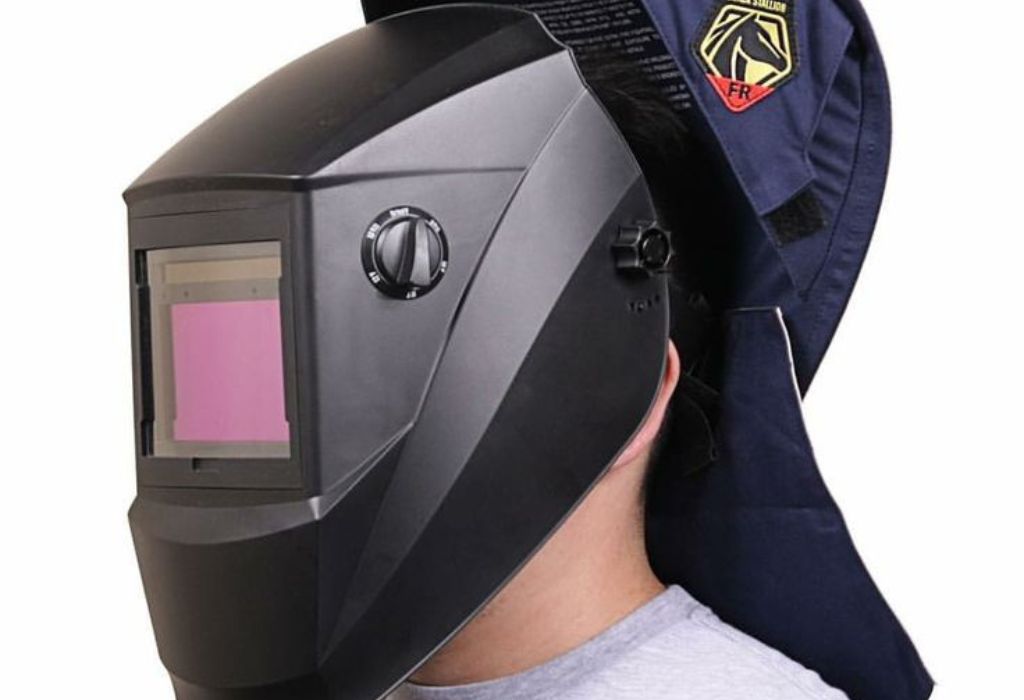
Grind mode is a function on many modern welding helmets that adjusts the lens to a lighter shade, allowing the user to perform grinding or cutting tasks safely without removing the helmet. When activated, the auto-darkening filter is disabled or fixed at a low shade level suitable for clear visibility.
This feature is especially useful for welders who switch frequently between welding and grinding. Instead of taking off the helmet, the operator simply activates grind mode, continues working, and stays fully protected from sparks and debris.
What exactly is grind mode on a welding helmet?
It is a built-in feature that sets the lens to a lighter shade for non-welding tasks such as grinding or cutting.
Why do many welding helmets include grind mode?
It allows continuous work between processes, improving efficiency and eliminating the need to change face protection.
How does grind mode differ from normal welding mode?
In grind mode the lens remains light, while in welding mode it automatically darkens to shield from arc light.
When should a user activate grind mode?
It should be activated whenever grinding, brushing, or cleaning welds to maintain eye protection without darkness.
Does every welding helmet have grind mode?
No. Only modern auto-darkening helmets with multipurpose settings offer this feature.
How Grind Mode Works: Technology, Shade Levels and Switching
The technology behind grind mode is straightforward yet effective. Auto-darkening helmets use sensors to detect arc light and darken the lens instantly. When grind mode is selected, these sensors are disabled or fixed to the lowest sensitivity, preventing accidental darkening from sparks.
Typically, grind mode uses a light shade around level 3 or 4. This shade provides clear vision while still offering protection against flying metal and debris. Some helmets use a dedicated button, while others feature an external switch or digital menu to change between modes.
What happens inside the helmet when grind mode is on?
The sensors stop reacting to light flashes, keeping the lens fixed at a light shade for improved visibility.
What shade level is typical for grind mode?
Most helmets use a shade between 3 and 4, bright enough for grinding yet protective enough for safety.
How is grind mode activated?
Depending on the model, activation may occur through a button, toggle switch, or touchscreen control.
What role do auto-darkening filters play in grind mode?
They remain static at a preset light shade instead of darkening automatically.
Can forgetting to switch out of grind mode cause problems?
Yes. Welding while still in grind mode can expose the eyes to bright arc light and cause injury.
When to Use Grind Mode: Tasks, Benefits and Risks
Grind mode should be used during tasks that do not involve an active welding arc but still require facial protection. These include grinding weld beads, beveling edges, cleaning joints, or cutting with an abrasive wheel.
The main benefit of grind mode is uninterrupted workflow. It allows welders to move between tasks quickly without repeatedly removing and replacing protective gear. This not only saves time but also reduces accidents caused by exposed eyes and faces.
However, using grind mode incorrectly can lead to risk. If a helmet remains in grind mode during welding, the lens may not darken properly, resulting in arc eye or long-term vision damage.
In what situations should grind mode be used?
Use it when grinding, cutting, or prepping surfaces where sparks and dust are present but no arc light exists.
What are the benefits of using grind mode?
It saves time, increases safety, and keeps visibility clear without removing the helmet.
What are the risks of using it incorrectly?
Failing to switch back to weld mode can cause serious eye injury from unfiltered arc light.
Can grind mode protect against welding arcs?
No. It is designed for grinding visibility, not to block intense welding brightness.
Is grind mode a substitute for a face shield?
Yes, in many cases it replaces the need for a separate face shield, as it offers equal protection for grinding.
Choosing the Right Helmet with Grind Mode and Best Practices
When selecting a welding helmet with grind mode, pay attention to control placement, clarity rating, and certification. An external switch is especially useful because it allows quick changes between modes without removing gloves or adjusting settings inside the helmet.
Choose helmets that meet ANSI Z87.1 or equivalent safety standards to ensure reliable impact protection during grinding. Lens clarity also matters—opt for high optical ratings that deliver a distortion-free view of the workpiece.
Following best practices ensures safety and efficiency. Always verify which mode is active before striking an arc or starting a grinder. Clean the lens frequently to prevent reduced visibility or glare.
What features make a helmet’s grind mode effective?
External switches, clear optics, and robust safety certification make operation easy and reliable.
How important is an external control?
It allows switching between modes quickly without removing the helmet, improving productivity.
Which safety ratings are important?
Helmets should meet recognized standards for impact and optical clarity to protect against flying debris.
How should users transition between modes?
Always double-check the mode indicator and ensure the helmet is set to weld before striking an arc.
How can grind mode functionality be maintained?
Regularly inspect buttons, switches, and sensors for dust buildup and clean as part of routine maintenance.
Common Mistakes and Advanced Tips for Grind Mode on a Welding Helmet
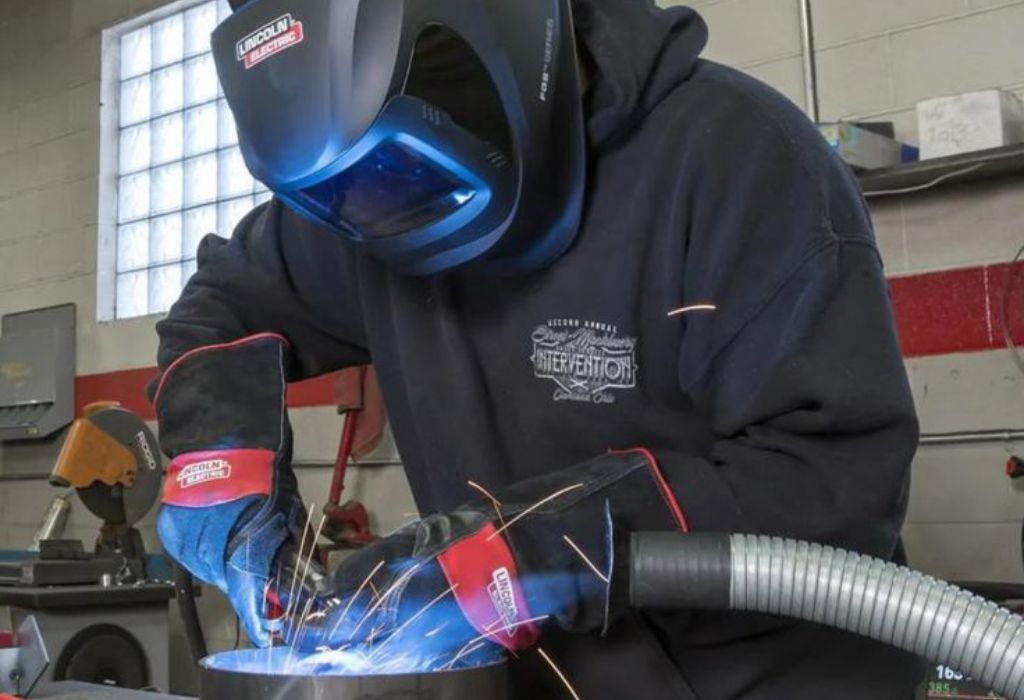
Even experienced welders can make small errors when using grind mode. The most common mistake is forgetting to switch back to weld mode before striking an arc. This simple oversight can cause flash burns and eye strain.
Another frequent issue is relying on poor lighting. Dim workspaces make it harder to judge the surface, leading to uneven grinding or missed defects. Clean lighting and a clear visor make a significant difference.
Lens cleanliness also affects clarity. Dust, oil, or slag particles on the inside of the lens reduce visibility and can make the light shade appear darker. Keeping both inner and outer covers clean maintains optical accuracy.
What common mistakes occur when using grind mode?
Forgetting to switch back to weld mode or working under poor light are typical issues.
How does poor lighting affect results?
Insufficient lighting reduces visibility, making it harder to maintain precise control over the grinder.
Why is lens cleanliness critical?
A clean lens ensures consistent clarity and prevents distortion during grinding or cutting.
Can wrong shade settings cause fatigue?
Yes. Shades that are too dark force the eyes to strain and lead to fatigue or discomfort.
What advanced tips improve efficiency?
Keep lighting bright, maintain clean optics, and practice switching modes to build muscle memory.
Conclusion
Grind mode on a welding helmet may seem like a small addition, but it provides major benefits for safety and productivity. It allows welders to perform multiple tasks—grinding, cutting, prepping—without removing protective equipment or interrupting workflow.
Understanding how grind mode functions, when to use it, and how to switch safely back to weld mode is vital for every professional and hobbyist. With correct use, the helmet protects your eyes, saves time, and improves the overall quality of your work.
The next time you put on your welding helmet, check for a grind mode feature and practice switching between modes. Mastering this function is a small skill that delivers big improvements in efficiency, safety, and comfort.

I’m Darrell Julian, the founder, lead writer, and hands-on welding enthusiast behind ArcWeldingPro.com. With more than 15 years of real-world welding experience, I created this platform to share what I’ve learned in the field, in the shop, and in the heat of the arc.