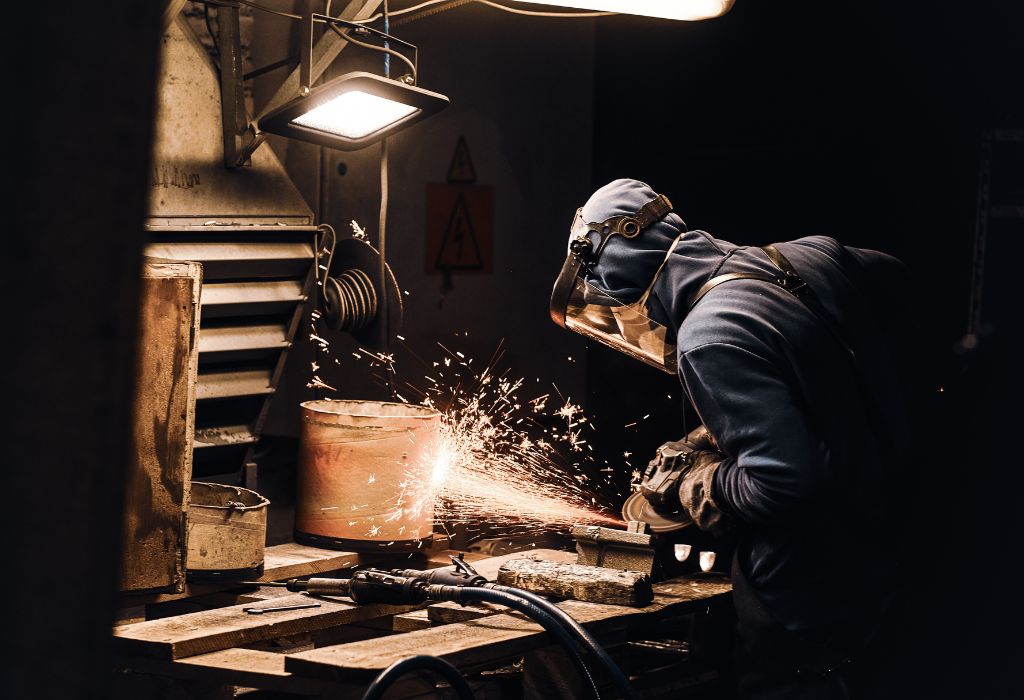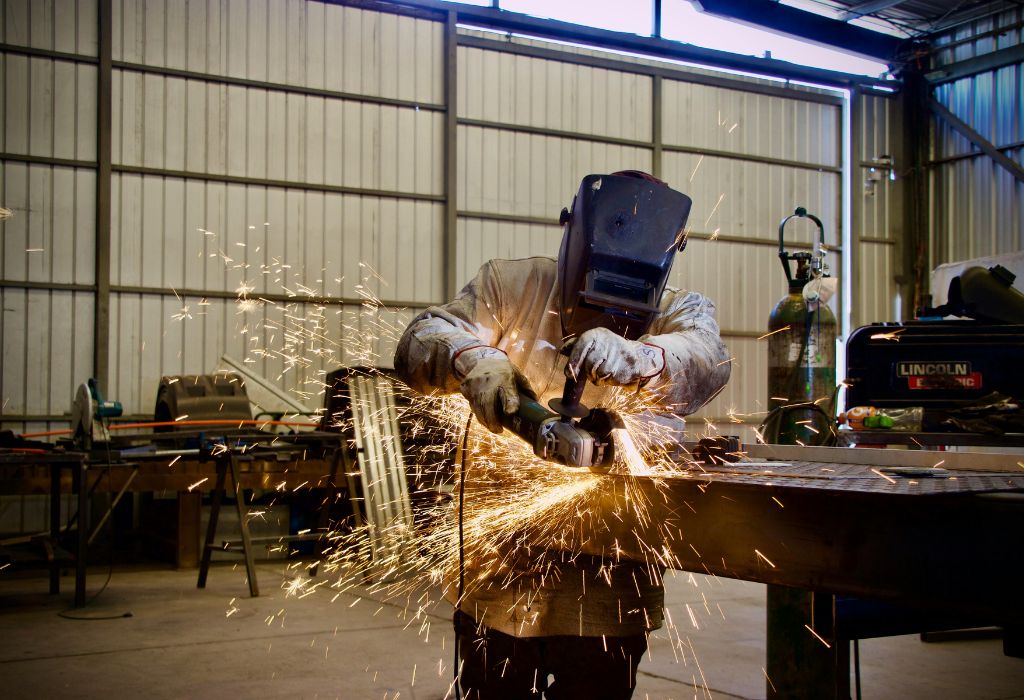
Every welder knows that a proper helmet is more than just protective gear—it’s essential for both safety and precision. But even the most advanced variable shade control welding helmets can cause eye strain or improper protection if not set correctly.
Imagine starting a weld only to realize your helmet’s shade is too light, letting harmful light through. Conversely, a shade that’s too dark can obscure your work and ruin accuracy.
Understanding how to set variable shade control welding helmets ensures both safety and clear visibility. Incorrect settings are a common mistake, even among experienced welders, leading to eye fatigue and decreased weld quality.
Statistics show that improper eye protection contributes to over 30% of minor welding eye injuries. Setting your helmet properly is essential for safe, efficient welding.
This guide will walk you through step-by-step instructions for adjusting the shade, calibrating sensors, and tips for different welding processes. You’ll also learn maintenance tips and safety checks for optimal performance.
By the end, you’ll be able to set your variable shade control welding helmet like a pro, ensuring safety and precision for every weld.
Understanding Variable Shade Control Helmets
A variable shade control welding helmet allows you to adjust the darkness of the lens based on the welding process and arc intensity. This is especially useful when switching between TIG, MIG, and Stick welding.
The shade number usually ranges from 8 to 13 for standard welding applications. Lower numbers are lighter and better for grinding or low-amp welding, while higher numbers are darker and protect against high-intensity arcs.
Variable shade helmets use an auto-darkening filter (ADF) to detect the welding arc. The lens darkens in milliseconds, protecting your eyes from harmful UV and infrared radiation.
Proper adjustment ensures that your eyes are never exposed to dangerous light. It also improves visibility of the weld puddle, leading to more precise and controlled welds.
Some helmets have sensitivity and delay controls in addition to shade adjustment. Sensitivity controls how much light is required to activate the lens, while delay adjusts how quickly the lens returns to light mode after welding.
Understanding the function of each control allows welders to customize their helmet for comfort, safety, and performance. Knowledge of your helmet’s features is critical before starting any welding project.
Step-by-Step Guide to Setting the Shade
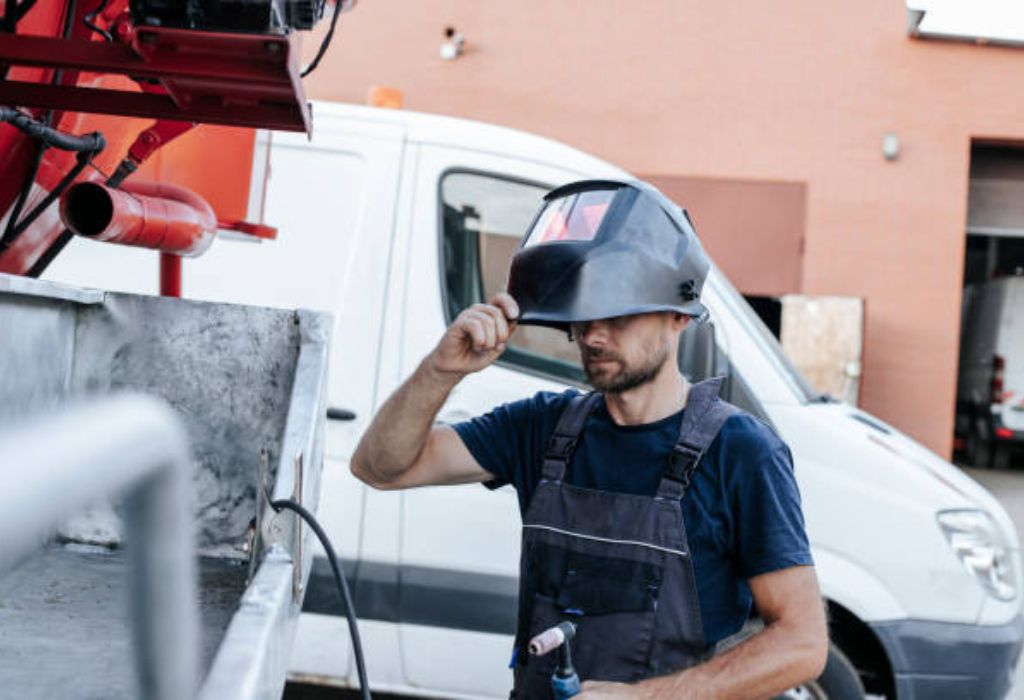
Start by reading your helmet’s manual for manufacturer-recommended settings. Each model may vary slightly in shade range and sensor placement.
Set the shade number according to your welding process. For example, TIG welding at low amps may require shade 8–9, while MIG or Stick welding may need shade 10–13.
Adjust the sensitivity control based on ambient light. In bright environments, increase sensitivity so the lens activates quickly; in darker conditions, reduce it to avoid false triggers.
Set the delay control according to your preference. A shorter delay is useful for quick, successive welds, while a longer delay prevents eye fatigue during high-heat or intermittent welding.
Test the helmet on a small arc or with a welding simulator. Ensure that the lens darkens instantly when the arc starts and returns to light mode without hesitation.
Make incremental adjustments if the weld view is too dim or bright. Repeat testing until the settings provide optimal protection and visibility for your specific environment.
Tips for Different Welding Processes
For TIG welding, which produces a low-intensity arc, use a lighter shade (8–10). This allows better visibility of the puddle while still protecting your eyes.
For MIG welding, medium intensity arcs work well with shades 10–12. Adjust sensitivity so that the lens darkens instantly when the arc strikes.
For Stick welding, which can produce high-intensity arcs and spatter, shades 11–13 are recommended. Use a longer delay setting to protect your eyes during the lingering glow after each weld.
Grinding or plasma cutting often requires a lighter shade setting or even a separate grinding mode if your helmet has one. This prevents fatigue and maintains visibility of the workpiece.
Always verify your helmet’s auto-darkening response time. Modern helmets react in milliseconds, but older units may require slightly higher shade settings for safety.
Experiment with settings for different materials and amps. Comfort, visibility, and safety should be balanced to prevent eye strain and ensure weld quality.
Maintenance and Calibration
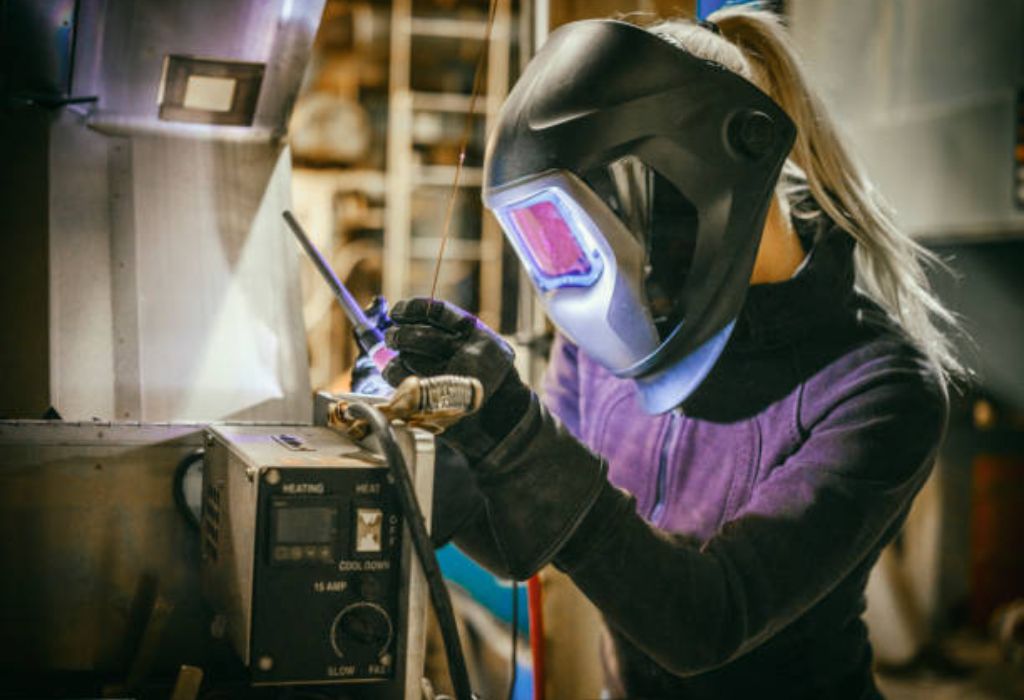
Regularly inspect the helmet for cracks, scratches, or sensor damage. Damaged helmets compromise safety and the effectiveness of the shade control.
Clean the lens and sensors with a soft cloth and manufacturer-approved cleaner. Dirt or debris can delay auto-darkening response and reduce visibility.
Replace batteries or solar cells as needed. Weak power sources may prevent the auto-darkening feature from activating correctly.
Test the auto-darkening feature before every welding session. Strike a small test arc to confirm that the lens darkens properly and returns to light mode.
Store the helmet in a safe, dry location. Extreme temperatures or humidity can affect the electronics and lens performance.
Regular maintenance ensures your helmet functions correctly, protecting your eyes and improving the quality of every weld.
Frequently Asked Questions
What shade should I set for TIG welding?
Use a lighter shade, typically 8–10, to see the weld puddle clearly while still protecting your eyes.
How do sensitivity and delay controls work?
Sensitivity determines how much light is needed to darken the lens. Delay controls how long the lens stays dark after the arc ends.
Can I use the same shade for MIG and Stick welding?
No, MIG and Stick require darker shades due to higher arc intensity. Adjust accordingly.
Do I need to adjust the helmet in bright sunlight?
Yes, increase sensitivity so the auto-darkening lens activates reliably under bright ambient light.
How often should I test the auto-darkening feature?
Before every welding session. This ensures that the lens darkens instantly and returns to light mode properly.
Is one brand better than another for variable shade helmets?
Brands vary in response time, durability, and comfort. Always choose helmets with fast reaction time and reliable sensors.
Can a damaged lens affect shade control?
Yes, cracks, scratches, or dirt can reduce performance and compromise eye safety.
Do all variable shade helmets have adjustable delay and sensitivity?
Most modern helmets do, but always check your model’s specifications to confirm available features.
What happens if the shade is set too light?
Too light a shade can expose your eyes to harmful UV and infrared radiation, causing strain or injury.
Can I use the helmet for grinding?
Yes, many helmets have a grinding mode with lighter shade settings to maintain visibility and protect your eyes.
Conclusion
Setting your variable shade control welding helmet correctly is essential for safety and precision. Adjust shade, sensitivity, and delay based on your welding process and ambient light conditions.
Test your settings before starting any weld and make incremental adjustments to achieve optimal visibility. Combine proper settings with regular maintenance to ensure reliable performance.
Different welding processes require different shades: TIG uses lighter shades, MIG medium, and Stick darker shades. Always verify auto-darkening response and replace damaged lenses or batteries promptly.
By following these guidelines, you can weld safely and efficiently, protecting your eyes and improving weld quality with your variable shade control helmet. Proper setup is the foundation of every successful weld.

I’m Darrell Julian, the founder, lead writer, and hands-on welding enthusiast behind ArcWeldingPro.com. With more than 15 years of real-world welding experience, I created this platform to share what I’ve learned in the field, in the shop, and in the heat of the arc.