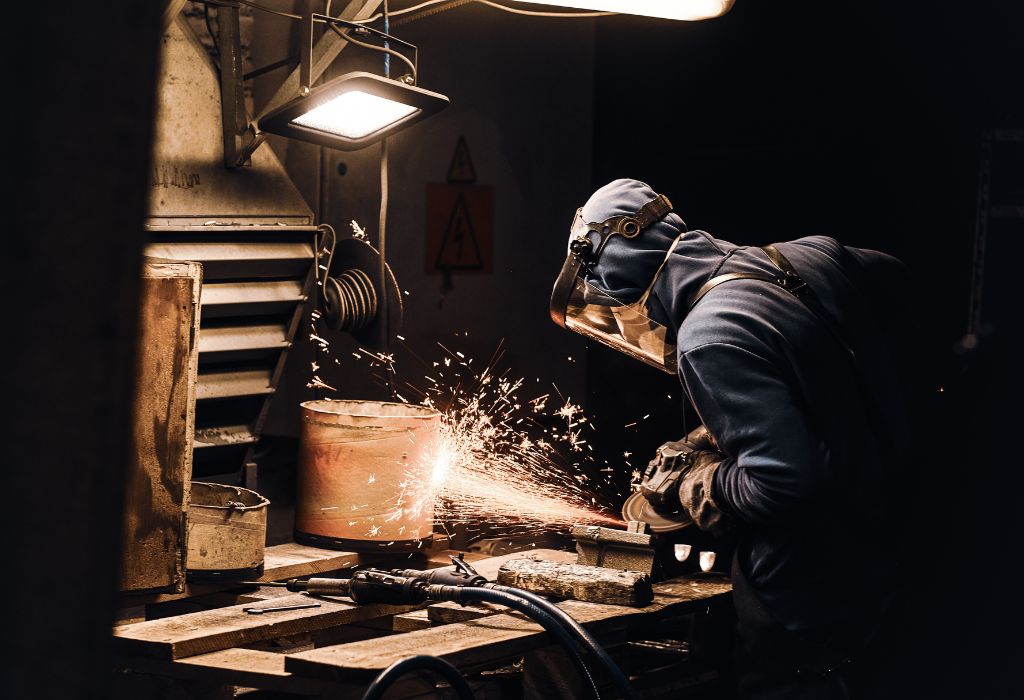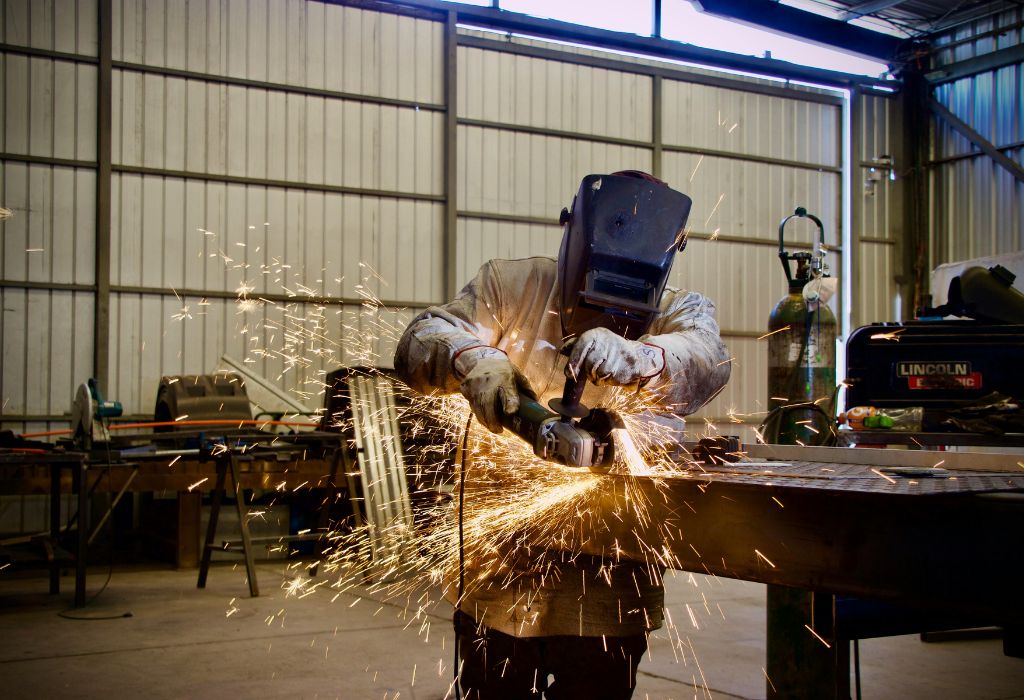
Your welding helmet is your most critical piece of safety equipment. Over time, the lens can become scratched, cracked, or worn, reducing visibility and compromising protection against UV, IR, and sparks.
A damaged or old lens not only makes welding difficult but also increases the risk of eye strain or injury. Proper lens replacement ensures that your helmet provides the full protective performance it was designed for.
Many welders ask: “How do I safely change the lens in my welding helmet?” This guide will cover the types of lenses, signs they need replacing, step-by-step replacement instructions, safety tips, and maintenance advice to keep your helmet functioning safely and effectively.
Understanding Welding Helmet Lenses

Welding helmet lenses are designed to protect your eyes from intense light, ultraviolet (UV), and infrared (IR) radiation while providing clear visibility of your workpiece. Understanding the types and components of your helmet lens helps ensure safe and effective replacement.
Types of Welding Helmet Lenses:
- Auto-Darkening Lenses (ADL):
- Automatically adjust shade based on arc brightness.
- Equipped with sensors and an LCD screen that respond instantly.
- Ideal for tasks that require frequent arc starts or varying welding processes.
- Fixed-Shade Lenses:
- Pre-determined darkness level.
- Do not change automatically, suitable for consistent welding tasks.
- Variable-Shade Lenses:
- Manual adjustment allows welders to select shade level depending on the process and material.
Lens Components:
- Protective Outer Cover: Shields the inner lens from sparks, spatter, and scratches.
- Inner Lens (LCD panel for ADL): The main lens responsible for shading and protection.
- Lens Frame/Holder: Secures the lens inside the helmet.
Proper knowledge of your lens type and components ensures correct replacement, proper fit, and maximum protection during welding.
Signs Your Welding Helmet Lens Needs Replacing
Identifying when your welding helmet lens needs replacement is crucial for maintaining eye safety and visibility. Here are the main indicators:
- Scratches or Cracks: Physical damage can distort vision and compromise protection from UV and IR radiation.
- Cloudy or Dim Vision: A worn or faded lens can reduce clarity and make it difficult to see your weld seam accurately.
- Inconsistent Auto-Darkening Response: If your auto-darkening lens reacts slowly or fails to darken properly, the sensors or LCD may be compromised.
- Lens Not Fitting Securely: A loose or improperly seated lens can move during welding, exposing your eyes to sparks and light.
Regular inspection before each welding session helps prevent eye injury, maintain accuracy, and prolong helmet life. If you notice any of these signs, it’s time to replace the lens.
Safety Precautions Before Changing the Lens
Changing a welding helmet lens involves handling delicate components, especially auto-darkening lenses with electronic parts. Following safety precautions ensures both your safety and the longevity of the helmet.
- Wear Gloves and Eye Protection: Batteries, sharp edges, or residual dust inside the helmet can pose minor risks. Gloves protect hands, while safety glasses prevent accidental eye contact with debris.
- Work in a Clean, Well-Lit Area: Prevents dust, metal shavings, or debris from contaminating the new lens and ensures you can see screws, clips, and mounting brackets clearly.
- Disconnect Helmet Power: For auto-darkening helmets, turn off the helmet or remove batteries before removing the lens to prevent accidental activation or electrical damage.
- Handle the New Lens Carefully: Avoid touching the inner surface or LCD screen with bare hands. Fingerprints or smudges can reduce clarity or damage coatings.
- Keep Small Parts Organized: Helmets have screws, clips, or frames that can be easily lost; use a small container to hold them.
By following these precautions, you protect yourself from injury and prevent damage to the helmet or lens during replacement.
Step-by-Step Guide to Changing the Lens
Replacing your welding helmet lens is straightforward when performed carefully. Follow these steps for a safe and proper replacement:
Step 1: Gather Materials
- Replacement lens (ensure correct size and type)
- Soft cloth or microfiber cloth for cleaning
- Small screwdriver or helmet-specific tool if required
- Gloves and eye protection
Step 2: Remove Outer Protective Cover
- Most helmets have an outer cover lens to protect the main lens.
- Unsnap or unscrew the cover carefully.
- Inspect it for damage; replace if scratched or cracked.
Step 3: Remove the Old Lens
- Gently release the lens frame or clips holding the lens.
- Carefully slide out the old lens without forcing it to avoid damaging the frame or electronics.
- Dispose of the old lens properly if it is damaged.
Step 4: Clean Lens Frame
- Wipe the lens frame and surrounding area with a soft cloth to remove dust or debris.
- Ensure mounting surfaces are smooth for proper lens fit.
Step 5: Install the New Lens
- Align the lens correctly with the frame or mounting slots.
- Secure it with clips or screws as required. Do not over-tighten to avoid cracking the lens.
- Make sure the lens sits flush and does not move inside the helmet.
Step 6: Replace Outer Cover (if applicable)
- Snap or screw the protective outer lens back into place.
- Ensure the cover does not press on the inner lens.
Step 7: Test the Helmet
- For auto-darkening helmets, insert batteries or reconnect power.
- Activate the helmet and test the lens response to light.
- Check that the lens provides clear, undistorted vision and the shade changes properly.
Following these steps ensures your helmet lens is secure, functional, and safe for welding tasks.
Maintaining Your Welding Helmet Lens
Proper maintenance ensures clear vision, safety, and longevity of your helmet lens:
- Clean Regularly: Use a soft microfiber cloth and mild, non-abrasive cleaner. Avoid paper towels or harsh chemicals that can scratch the lens.
- Replace Protective Covers: Both inner and outer covers can accumulate scratches from sparks or debris. Replace them when worn to protect the main lens.
- Store Properly: Keep the helmet in a cool, dry place when not in use. Avoid leaving it in direct sunlight or near heat sources, which can warp the lens or affect electronic components.
- Avoid Touching the Inner Surface: Fingerprints or smudges on auto-darkening LCD lenses can reduce clarity. Use gloves or a cloth when handling the lens.
- Inspect Before Use: Always check for scratches, cracks, or loose mounting before welding. Even minor damage can affect protection.
Regular maintenance maximizes safety, lens performance, and helmet durability.
Common Mistakes to Avoid

- Using Incorrect Replacement Lenses: Only use lenses that fit your helmet model and type. Incorrect lenses can compromise shade levels or safety.
- Over-Tightening Screws or Clips: Applying too much force can crack the lens or damage the frame.
- Touching the Lens Surface Directly: Oils or dirt from hands can reduce clarity and damage coatings.
- Neglecting Auto-Darkening Calibration: After replacing the lens, check that sensors and shade settings work properly.
- Ignoring Signs of Damage: Scratched, cracked, or cloudy lenses reduce protection and should never be used.
Avoiding these mistakes ensures maximum protection and optimal performance.
Frequently Asked Questions (FAQs)
How do I know if my welding helmet lens needs replacing?
Scratches, cracks, cloudy vision, or inconsistent auto-darkening response indicate the lens should be replaced.
Can I replace a lens on an auto-darkening helmet myself?
Yes. Follow the manufacturer’s instructions, remove power or batteries first, and handle the lens carefully to avoid damage.
Do I need special tools to change the lens?
Most helmets require minimal tools, often just a small screwdriver or your hands to release clips. Some helmets may have a specialized frame tool.
Can I reuse the old lens?
Only if it’s undamaged and free of scratches. Damaged lenses compromise protection and should be discarded.
How often should I replace my welding helmet lens?
Frequency depends on use. Heavy welders may need to replace the outer protective lens every few months, while inner lenses can last 1–2 years if undamaged.
What should I avoid when handling a new lens?
Avoid touching the inner surface with bare hands, using harsh chemicals, or applying excessive force when installing.
Can I use any lens brand for my helmet?
It’s best to use the manufacturer-recommended lens to ensure proper fit, shade, and safety compliance.
How do I clean my lens without scratching it?
Use a microfiber cloth with mild soap or lens cleaner. Avoid paper towels or abrasive materials.
Is it safe to weld with a scratched lens?
No. Even minor scratches can distort vision and reduce protection from UV/IR radiation.
Do auto-darkening helmets need lens calibration after replacement?
Yes, test sensors and shade settings to ensure proper operation after installing a new lens.
Conclusion: Keep Your Welding Helmet Lens Clear and Safe
Replacing your welding helmet lens is a critical maintenance task for safe and efficient welding. A damaged or worn lens can compromise vision and eye protection, increasing the risk of injury.
By following these best practices:
- Inspect your helmet regularly for damage
- Replace scratched, cracked, or cloudy lenses promptly
- Follow the step-by-step replacement guide
- Observe safety precautions
- Maintain and clean the lens properly
…you ensure that your welding helmet remains fully functional, reliable, and protective during every welding session. Proper lens care not only extends the helmet’s lifespan but also guarantees your eyes remain safe from sparks, UV, and IR radiation.

I’m Darrell Julian, the founder, lead writer, and hands-on welding enthusiast behind ArcWeldingPro.com. With more than 15 years of real-world welding experience, I created this platform to share what I’ve learned in the field, in the shop, and in the heat of the arc.