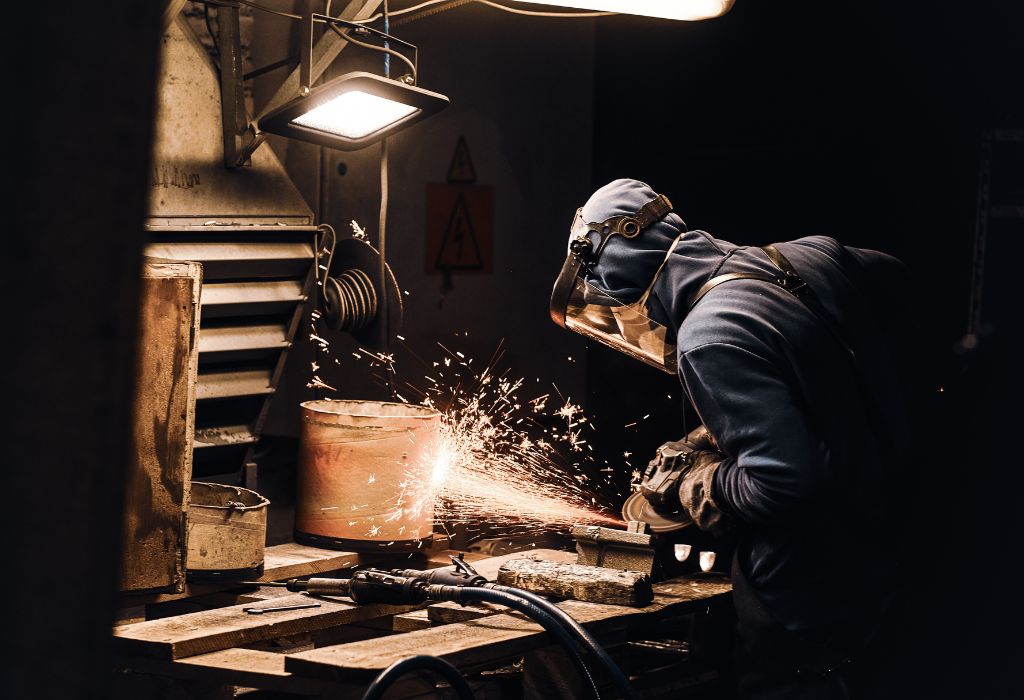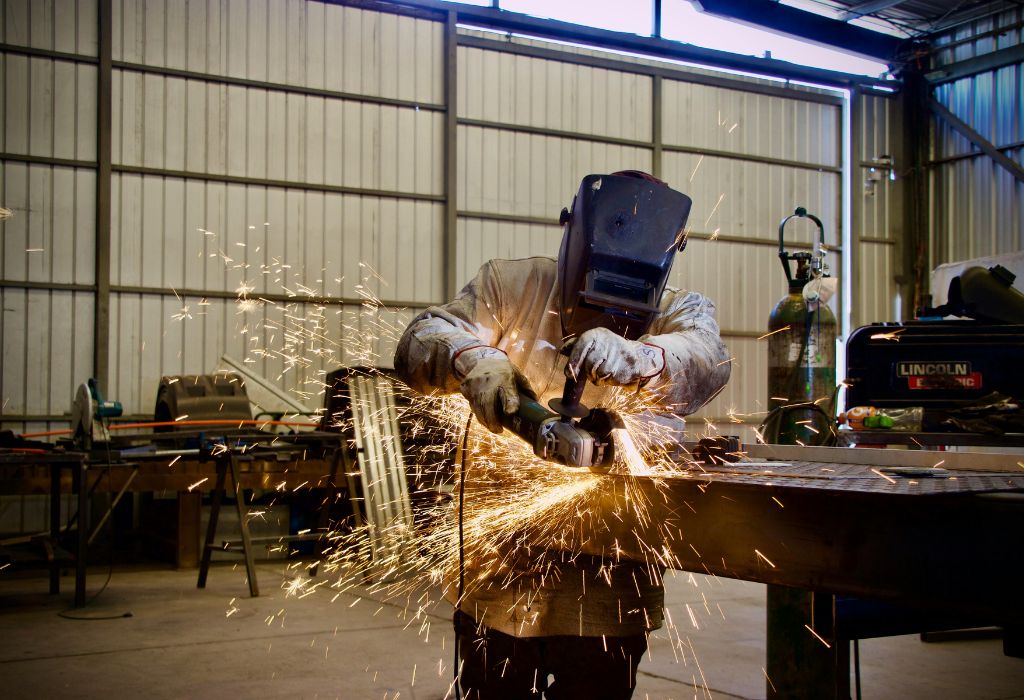
Imagine walking into your workshop, ready for a long welding session, and adjusting your helmet for the first time. The Antra AH7-X90 series welding helmet sits in your hands, its wide viewing area and reflective surface promising comfort and protection, yet you pause, unsure of all the features.
Many welders, especially beginners, are unfamiliar with the full functionality of this advanced auto-darkening helmet. While it offers exceptional visibility, auto-darkening sensors, and adjustable settings, using it correctly is key to safety and performance.
Incorrect settings or poor fit can lead to eye strain, reduced visibility of the weld puddle, or even unsafe exposure to UV and IR radiation. This is why understanding the helmet’s setup and features is crucial before striking your first arc.
The AH7-X90 is designed to enhance welding precision while protecting your eyes, but only when used properly. From initial setup and headgear adjustment to shade selection, sensitivity, and delay settings, every detail matters.
In this guide, we will break down everything about using the Antra AH7-X90: from understanding its features to maintenance tips, proper welding techniques, and troubleshooting. By the end, you’ll be confident in operating your helmet safely and efficiently.
Proper use ensures both safety and performance, allowing you to focus on your work without distraction or discomfort during long welding sessions.
Getting to Know the Antra AH7-X90 Series Welding Helmet
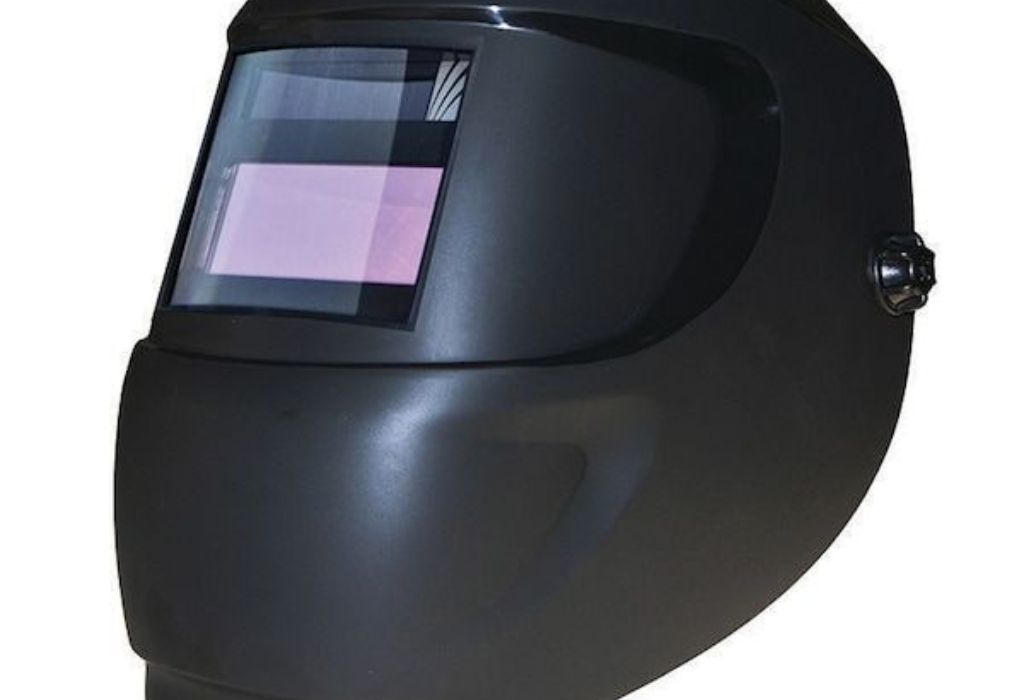
The Antra AH7-X90 series helmet offers a large viewing area of 3.86 by 3.23 inches, giving welders a wide, clear perspective of their work. The optical clarity rating ensures minimal distortion, helping welders see the weld puddle accurately.
It combines a solar-powered cell with a replaceable CR2032 battery, allowing continuous use without worrying about power failure during long sessions. The solar cell supplements the battery and helps extend its lifespan.
The helmet features auto-darkening sensors that detect the arc and instantly adjust the shade from light to dark, protecting your eyes from intense light. The reaction speed can be adjusted based on welding type, giving flexibility for different tasks.
Additional features include grind mode, which allows the lens to stay in light state while grinding, and an adjustable delay and sensitivity control to customize the helmet’s reaction to the arc.
Before using the helmet for the first time, remove any protective films from the lens to ensure maximum optical clarity. Failing to remove these films can result in blurred vision or uneven shading.
The headgear adjustment system is intuitive, with crown straps, back straps, and side knobs allowing for a snug and comfortable fit. A properly fitted helmet ensures stability, reducing the risk of it shifting mid-weld.
Adjusting the Headgear for Comfort and Stability
Proper headgear adjustment is essential for both comfort and safety. Loosely fitted helmets can wobble during welding, causing momentary exposure to harmful light.
Adjust the crown strap first so the helmet sits evenly on your head without tilting forward or backward. Then tighten the back strap to secure the helmet vertically.
Use the side adjustment knobs to fine-tune the tension on both sides, making sure the helmet can pivot easily when you flip it up or down.
Check the overall balance by lowering the helmet to your eyes and raising it multiple times. It should move smoothly and stay in place when lowered.
Make sure the helmet does not press too hard on your forehead, as this can cause discomfort during long sessions. Small adjustments can make a significant difference in comfort over extended periods.
Finally, test the helmet while performing a mock welding motion. Move your head, tilt it, and ensure it does not shift. Stability is crucial for both safety and effective use of auto-darkening features.
Understanding Shade, Sensitivity, and Delay Settings
The AH7-X90 offers a shade range suitable for a wide variety of welding types, from light TIG work to heavy MIG or Stick welding. The light state is DIN 4, while the dark state ranges from DIN 5-9 or 9-13 depending on the material and welding amperage.
For low-intensity tasks like TIG welding, a lower shade provides better visibility of the weld puddle. Higher-intensity tasks, like MIG welding or high-amp Stick, require a darker shade to protect your eyes.
Sensitivity determines how the helmet reacts to the arc. Set it high if you work in environments with fluctuating light conditions, and lower it if the helmet darkens too easily from reflections or nearby arcs.
Delay controls how long the lens stays dark after the arc stops. A longer delay helps when working at high amperage to protect your eyes from lingering brightness, while a shorter delay is ideal for fast, repetitive welds.
Grind mode allows the lens to remain in light state while performing grinding operations. This is useful for preparing surfaces without lowering the helmet repeatedly.
Always test shade, sensitivity, and delay on scrap material before beginning a critical weld. This ensures comfort and prevents eye fatigue during actual welding work.
Using the Helmet During Welding and Grinding
Before welding, clean the protective lens covers on both sides. Even minor scratches or dirt can distort vision and affect the helmet’s auto-darkening performance.
Lower the helmet to your eyes and align it with the arc. Make sure your head is positioned so the sensors can detect the arc quickly.
Maintain a consistent distance from the workpiece. Tilting your head excessively can prevent the sensors from activating the auto-darkening feature in time.
During welding, avoid staring at the arc before the lens darkens completely. The delay can be minimal but still allows a brief exposure that can strain the eyes.
Switch to grind mode when using grinding or cutting tools to keep the lens light without engaging full shading. This prevents unnecessary darkness and allows better visibility.
After finishing a weld, inspect the weld with the lens in light state to check for spatter, surface quality, or defects. Regular inspection ensures optimal results and safety.
Maintenance and Troubleshooting Tips
Inspect the helmet regularly for cracks, scratches, or damaged sensors. Even small imperfections can compromise safety.
Check the solar cell and replace the backup CR2032 batteries if necessary. Low power can affect lens darkening response.
Clean the lens covers using a microfiber cloth and mild lens cleaning solution. Avoid harsh chemicals, as they can degrade the reflective coatings.
If the lens fails to darken, inspect for sensor obstruction, improper settings, or battery issues. Addressing these promptly prevents eye strain and injury.
Ensure the headgear remains tight and stable. Loose straps or pivot points reduce the helmet’s effectiveness and comfort.
Store the helmet in a dry, safe area when not in use. Excessive heat or sunlight can degrade plastics and electronics over time.
Safety Reminders and Best Practices
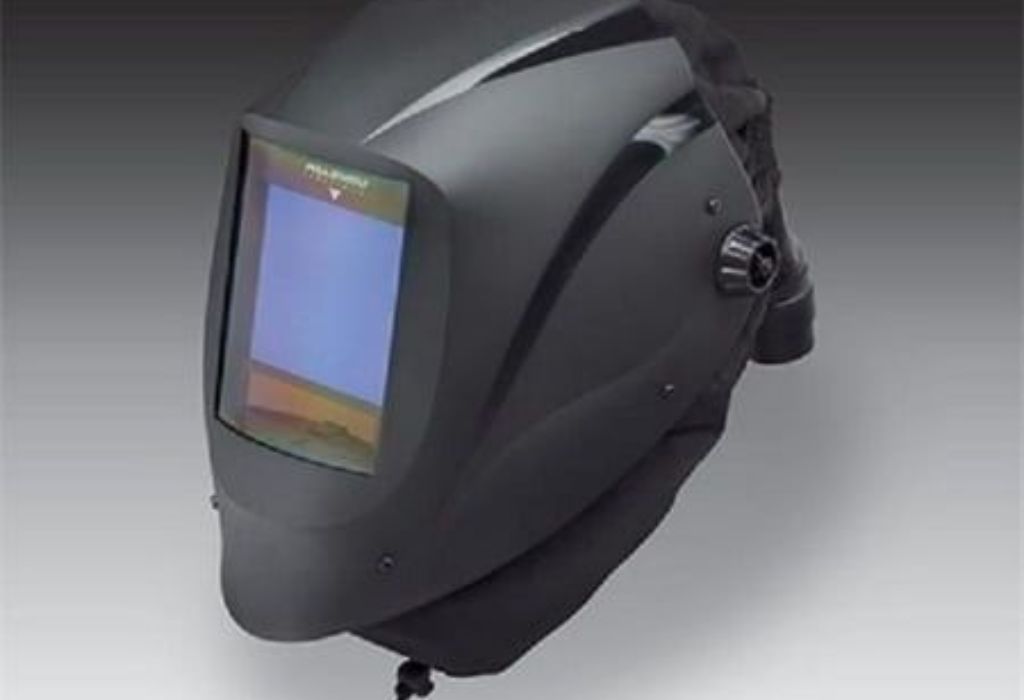
Always ensure the helmet meets ANSI Z87.1 or CE standards. Safety certification guarantees proper protection against arc, UV, and IR exposure.
Use additional protective gear such as gloves, flame-resistant clothing, and eye protection if required. The helmet alone is not enough for complete safety.
Avoid looking directly at the arc without lowering the helmet. Auto-darkening delay can still expose your eyes momentarily if you stare too early.
Check your settings each time you switch welding processes to ensure correct shade, sensitivity, and delay for the material and amperage.
Use the light state for setup and observation, and the dark state only when welding. This ensures maximum visibility without compromising protection.
Replace damaged lenses, batteries, or headgear immediately. Safety is far more important than saving a few dollars on replacement parts.
Frequently Asked Questions
Can the AH7-X90 helmet be used for all welding types?
Yes, it is suitable for TIG, MIG, Stick, and plasma cutting.
How do I switch to grind mode?
Set the helmet’s mode selector to “grind” to keep the lens in light state.
How often should I replace the batteries?
Replace the CR2032 battery when the low-battery indicator appears or if the lens fails to darken consistently.
Why does the lens sometimes darken slowly?
Check the sensitivity setting, ensure sensors are not blocked, and verify battery charge.
Is the viewing area large compared to standard helmets?
Yes, 3.86 by 3.23 inches provides a generous field of view for more visibility.
Can the solar cell be covered?
No, the solar cell supplements power; keep it clean and exposed for optimal performance.
How do I clean the helmet without damaging it?
Use microfiber cloths and mild lens cleaner; avoid abrasive or chemical cleaners.
Can this helmet be used with prescription glasses?
Yes, there is enough space to comfortably wear glasses under the helmet.
How do I prevent eye strain during long welding sessions?
Ensure shade, sensitivity, and delay are correctly adjusted, and take breaks if necessary.
Are mirror lenses compatible with this helmet?
Yes, certain models of AH7-X90 allow mirror-coated lenses for glare reduction and aesthetic preference.
How do I adjust headgear for maximum comfort?
Use the crown, back, and side straps to evenly distribute weight and ensure stability.
What should I do if the helmet is loose or wobbly?
Re-adjust the straps and pivot knobs until the helmet sits securely without tilting.
Can I weld in bright outdoor sunlight with this helmet?
Yes, but you may need to increase the shade or sensitivity for optimal protection.
How do I know if the auto-darkening sensor is functioning?
Test it on scrap material: the lens should darken immediately when an arc is struck.
Can this helmet protect against both UV and IR radiation?
Yes, the AH7-X90 lens is rated to protect against UV and IR exposure in all states.
Conclusion
Using the Antra AH7-X90 series welding helmet effectively ensures safety, comfort, and visibility during welding. Proper adjustment of shade, sensitivity, delay, and headgear is essential.
Regular maintenance, including lens cleaning, battery replacement, and inspection for damage, guarantees long-term performance.
By following these steps and best practices, you can maximize the helmet’s features, weld safely, and reduce eye strain and fatigue during long sessions.

I’m Darrell Julian, the founder, lead writer, and hands-on welding enthusiast behind ArcWeldingPro.com. With more than 15 years of real-world welding experience, I created this platform to share what I’ve learned in the field, in the shop, and in the heat of the arc.